7 Critical Indoor Golf Simulator Room Dimensions to Prevent Catastrophic Swing Damage
Quick Answer / Key Takeaways
- Your absolute minimum ceiling height should be 10 feet (3.05 meters) to safely accommodate a modern driver swing.
- Doppler radar systems require a minimum of 16 to 20 feet of total room depth to accurately calculate spin axis and ball speed.
- Photometric camera-based systems save space but require highly specific hitting mat placements to keep the ball within the optical capture window.
Building your dream home practice studio starts with one non-negotiable metric: exactly how much space you have available. Getting your indoor golf simulator room dimensions wrong by just a few inches can lead to shattered lighting fixtures, permanent driver damage, or wildly inaccurate ball flight data. Before you invest thousands into high-speed stereoscopic cameras or Doppler radar units, you must understand the spatial physics of indoor ball flight.
Many DIY builders focus purely on the aesthetic of their impact screens while completely neglecting the hardware's minimum depth and height clearances. When you are swinging a driver at 110 miles per hour, your physical constraints dictate your technology choices, not the other way around.
Why Precise Indoor Golf Simulator Room Dimensions Dictate Tracking Accuracy
The underlying technology of your launch monitor relies entirely on the available space to "see" the ball's behavior. Photometric monitors utilize high-speed stereoscopic cameras capturing up to 10,000 frames per second. These units need the ball placed in an exact physical box—often just an 8x10 inch capture area—making your floor layout critical.
Conversely, radar-based systems operate on continuous wave Doppler frequencies (typically around 10.5 GHz or 24 GHz). They track the physical flight of the ball across the room. If your indoor golf simulator room dimensions do not allow for at least 8 feet of ball flight before hitting the screen, the radar's algorithms are forced to guess your spin rates, rendering your data useless.
For detailed technical specifications and installation guidelines, consult SimGolf Benchmarks for verified performance data across various room configurations.
7 Space Requirements for Flawless Simulator Performance
To guarantee a safe and technically accurate build, you must adhere to these seven fundamental spatial benchmarks.
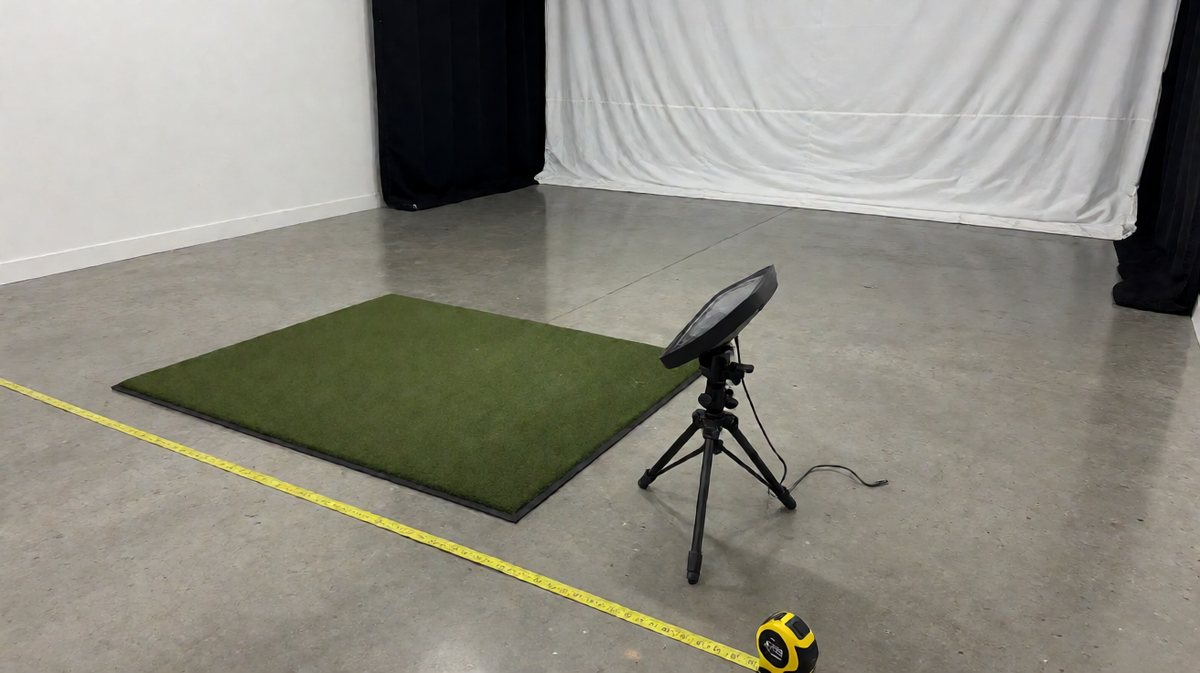
- Absolute Minimum Ceiling Height (10 feet / 3.05 meters) — While some players with flat swings can get away with 9-foot ceilings using irons, a 10-foot ceiling is the gold standard. This allows for unrestricted driver swings for players of all heights without the psychological flinch that ruins mechanics.
- Room Width for Center-Stance Hitting (15 feet / 4.57 meters) — To comfortably accommodate both left-handed and right-handed golfers without sliding the hitting mat back and forth, aim for 15 feet of width. This ensures the ball is always lined up perfectly with the center of your impact screen.
- Total Room Depth for Radar Units (20 feet / 6.1 meters) — If you are installing a TrackMan or FlightScope, you need heavy depth. This accounts for 7 feet behind the golfer for the radar, plus 10 to 13 feet of ball flight from the tee to the screen.
- Screen-to-Wall Clearance (12-16 inches) — Never install your impact screen flush against a hard wall. A golf ball traveling 160+ mph creates massive kinetic energy; you need 12 to 16 inches of negative space behind the screen to allow the fabric to flex and absorb the impact safely.
- Hitting Mat to Screen Distance (10-12 feet) — Sitting too close to the screen increases bounce-back risks, while sitting too far diminishes the immersive virtual reality experience. A distance of 10 to 12 feet strikes the perfect balance for safety and visual engagement.
- Launch Monitor to Tee Distance (Hardware Specific) — Photometric systems sit just 20 to 24 inches parallel to the ball, making them ideal for tight spaces. Radar systems must sit exactly 7 to 8 feet directly behind the tee to capture club path and face angle data accurately.
- Safe Backswing Clearance Zone — Ensure you have a minimum of 7 feet from the center of the hitting mat to the wall behind your back. This prevents your clubhead from striking drywall during a long, parallel-to-the-ground backswing.
Comparing Radar vs Photometric Hardware Spatial Constraints
When assessing your room, your technology choice is the primary variable. Radar units need to track the ball's revolutions over time. If your room depth falls under 16 feet, you must pivot to a photometric system.
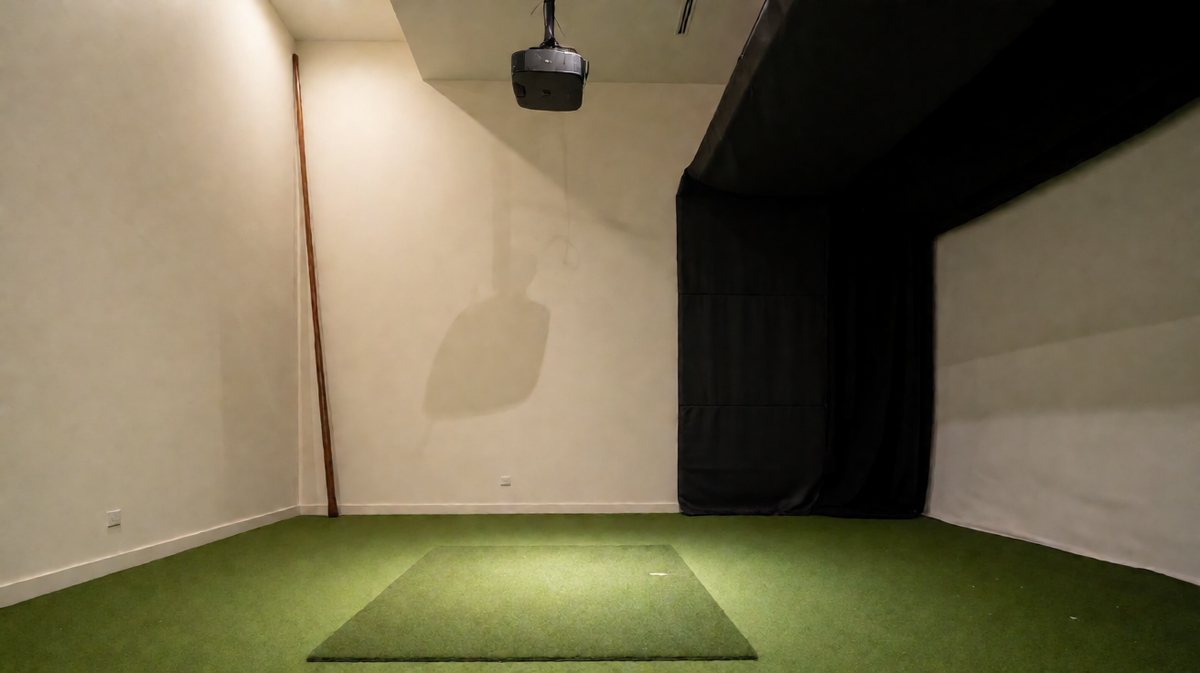
Camera-based units calculate everything at the exact moment of impact. Because they measure the clubface and ball data in a micro-second window via advanced photodiode sensors, the room depth only needs to be long enough to keep the golfer safe from screen bounce-back.
The Rapid-Action Room Configuration Checklist
Before buying a single piece of turf or software, conduct this immediate spatial audit of your designated room:
- Measure the true ceiling: Measure from the finished floor to the lowest hanging obstacle (e.g., ductwork or garage door tracks), not just to the drywall.
- Test your swing: Tape a foam pool noodle to an old driver to safely test your maximum swing radius in the empty room.
- Audit your electrical: Ensure you have dedicated 15-amp or 20-amp circuits positioned near your PC and projector to handle peak wattage consumption without tripping breakers.
- Calculate your exact hardware constraints: Use the Golf Launch Monitor Room Fit Calculator to instantly see which units fit your specific dimensions.
For additional guidance on selecting launch monitors for your specific space, explore our comprehensive resource on golf simulator setup recommendations.